10 Best Free AI Tools for Small Businesses in 2026
You do not need a big budget to benefit from AI. These ten free tools help small businesses write better, design faster, and serve customers around the clock.
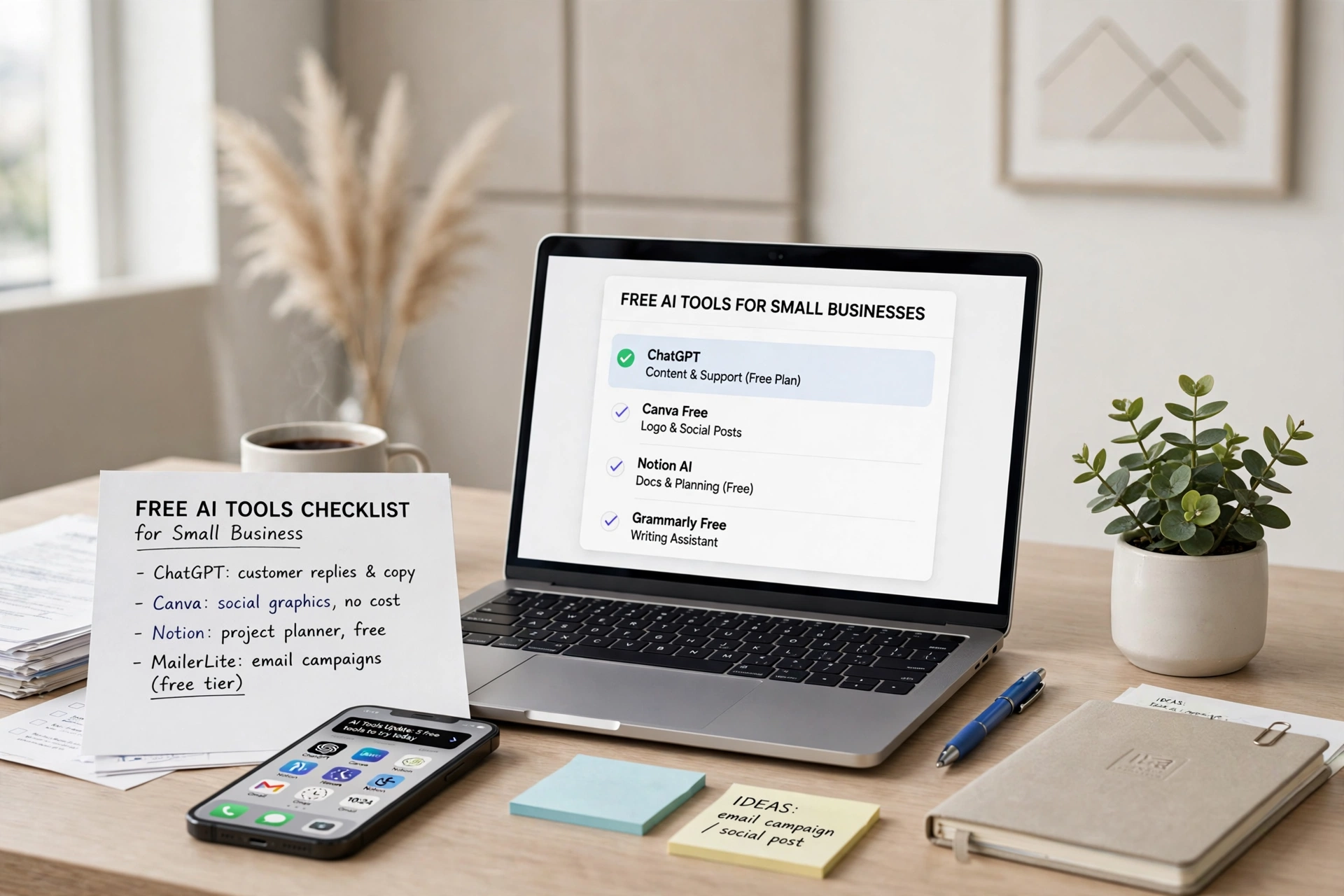
The short version: start with ChatGPT for writing and ideas, Canva for design, and Tidio or a similar chatbot for customer questions. Those three alone cover the biggest time sinks for most small businesses, and all have free plans that are genuinely useful.
Every tool below has a free tier with no credit card required. We note where paid upgrades exist and whether they are worth it, so you can decide with open eyes.
Writing and Content
ChatGPT free handles product descriptions, social media captions, email drafts, and brainstorming. It is the single highest-value free AI tool for most businesses. The free tier is capable enough that many owners never need to upgrade.
Claude free is the better pick for longer pieces like newsletters or detailed guides. Its writing sounds more natural and it follows complex instructions more reliably.
Grammarly free catches grammar mistakes and suggests clearer phrasing wherever you type. It will not write for you, but it makes everything you write look more professional.
| Tool | What it does | Free tier limits |
|---|---|---|
| ChatGPT | Writing, ideas, planning | Generous daily use |
| Claude | Long-form writing, editing | Generous daily use |
| Grammarly | Grammar and tone fixes | Basic corrections unlimited |
Design and Visuals
Canva free includes AI image generation, background removal, and thousands of templates. For social posts, flyers, and simple ads, it replaces the need for a designer on routine work. The Magic Studio AI features do the heavy lifting.
Microsoft Designer free is a strong alternative, especially if you already use Microsoft products. Its AI generates social graphics and presentations from a text prompt.
Remove.bg free removes image backgrounds in one click. Product photos on clean backgrounds look dramatically more professional, and this takes seconds.
Customer Service
Tidio free includes an AI chatbot that answers common customer questions on your website. It handles the repetitive queries that eat up your day, and escalates to you when a human is needed. The free plan covers small traffic volumes comfortably.
Google Business Messages is completely free and lets customers message you directly from Google Search and Maps. Quick responses here win local customers.
Productivity and Organization
Notion free with AI trial helps organize everything from inventory lists to content calendars. The AI summarizes long pages and drafts from your own notes.
Otter.ai free transcribes meetings and voice notes. If you take client calls or record ideas on the go, searchable transcripts save hours of re-listening.
Zapier free connects your apps with simple automations. Even the free plan handles the most common workflow: when something happens in app A, do something in app B.
| Tool | What it does | Free tier limits |
|---|---|---|
| Notion | Notes, docs, wikis | Unlimited personal use; AI trial included |
| Otter.ai | Meeting transcription | 300 minutes per month |
| Zapier | App automations | 100 tasks per month |
How to Get Started Without Overwhelm
Do not adopt all ten at once. Pick the one task that eats most of your time and solve that first.
If writing takes your time, start with ChatGPT. If design is the bottleneck, start with Canva. If customer questions interrupt your day, set up the Tidio chatbot.
Use one tool for two weeks before adding another. The goal is leverage, not a collection of logins you never open.
When to Consider Paying
Free tiers are deliberately designed to be useful. Upgrade only when you consistently hit a limit that costs you real time or money.
The most common worthwhile upgrades: ChatGPT Plus at $20 a month if you use AI daily and want the strongest model, Canva Pro if you design constantly and want brand kits, and Otter.ai paid if you transcribe more than 300 minutes monthly.
For everything else, the free versions do the job.
Frequently Asked Questions
Are these AI tools really free?
Yes. Every tool listed has a free tier that requires no credit card. Free tiers have usage limits, but they are generous enough for most small business needs. Paid upgrades exist but are optional.
Which free AI tool should a small business try first?
ChatGPT. It helps with writing, brainstorming, planning, and answering questions across every part of the business. It delivers the most value per minute of learning of any tool on this list.
Do I need technical skills to use these tools?
No. All ten are designed for non-technical users. If you can use email and a web browser, you can use these tools. Most take less than 30 minutes to set up.
Will AI tools replace my employees?
No. They handle repetitive drafts and routine questions, which frees your people for work that needs judgment and human connection. Think of them as tireless assistants, not replacements.
Is my business data safe with free AI tools?
Read the privacy policy of each tool before entering sensitive customer data. As a rule, avoid putting private customer information, financial details, or trade secrets into any free AI service. Use them for marketing, ideas, and general tasks.
Sources
◆